.jpg&w=64&q=75)
.jpg)
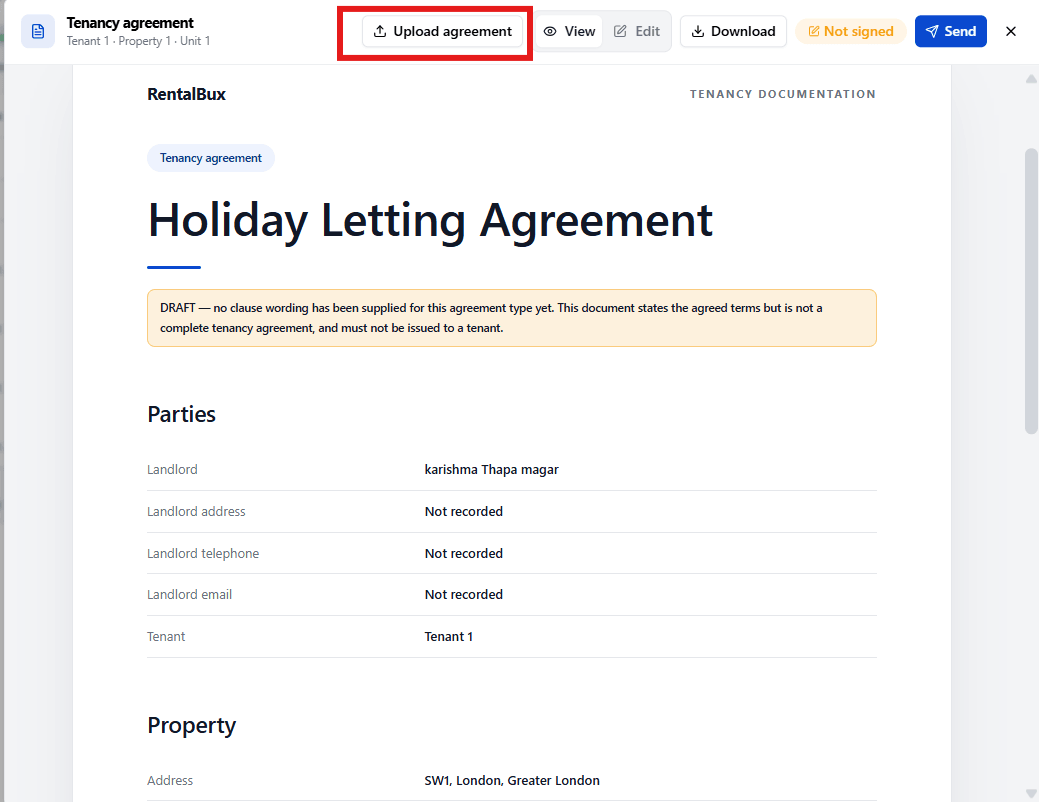
RentalBux generates the correct agreement template for your tenancy automatically, based on its tenancy type you don't choose the template yourself.
To View or Send It:
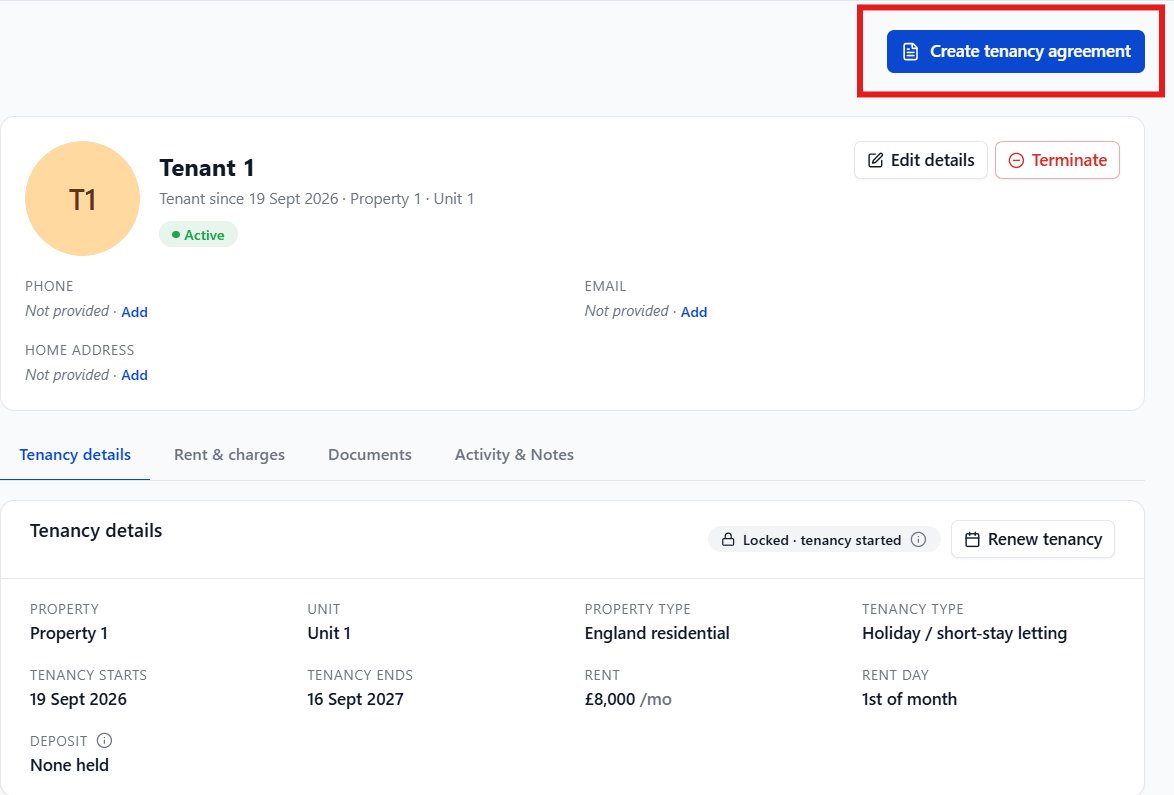
Select Create tenancy agreement on the tenancy's header card.
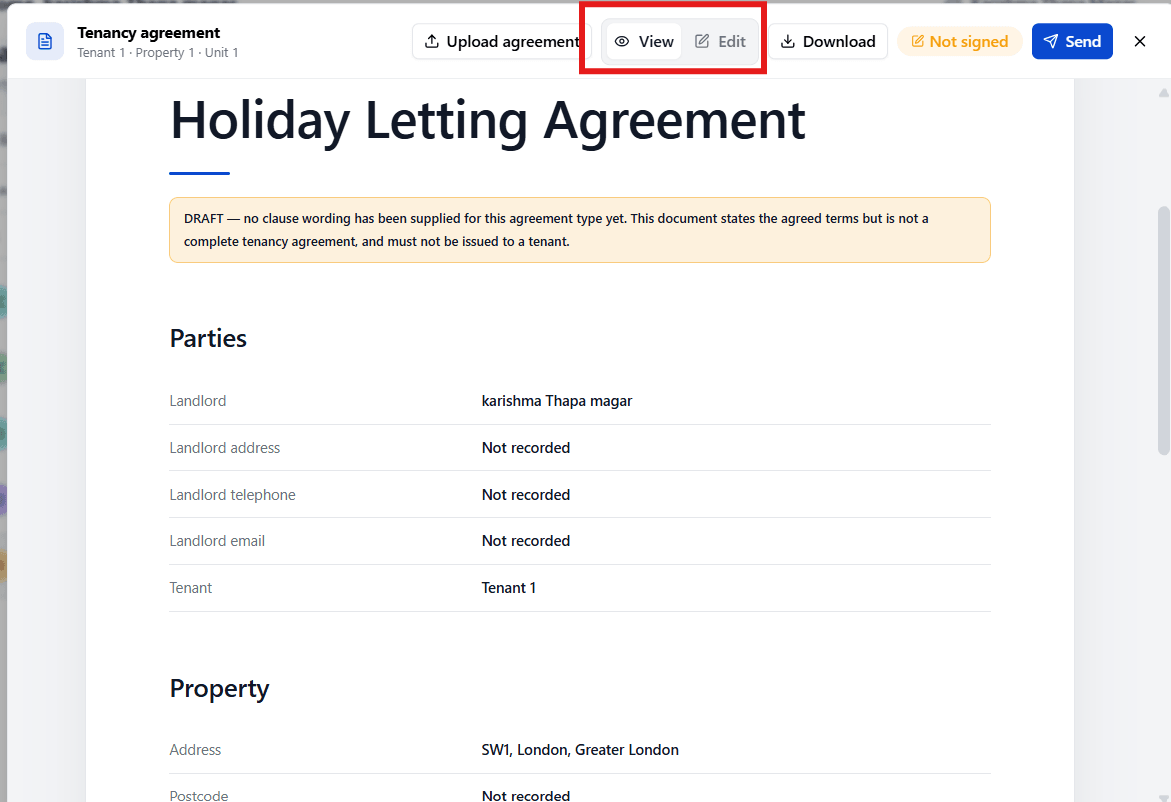
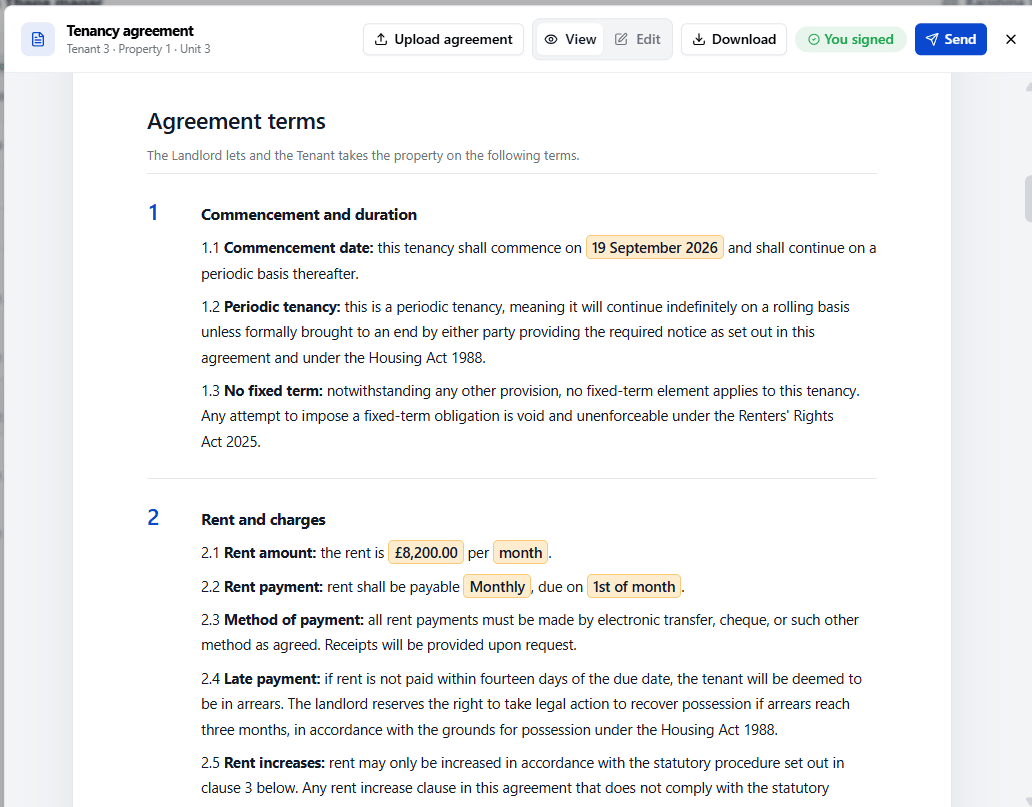
Select View to read it, or Edit to change the wording directly.
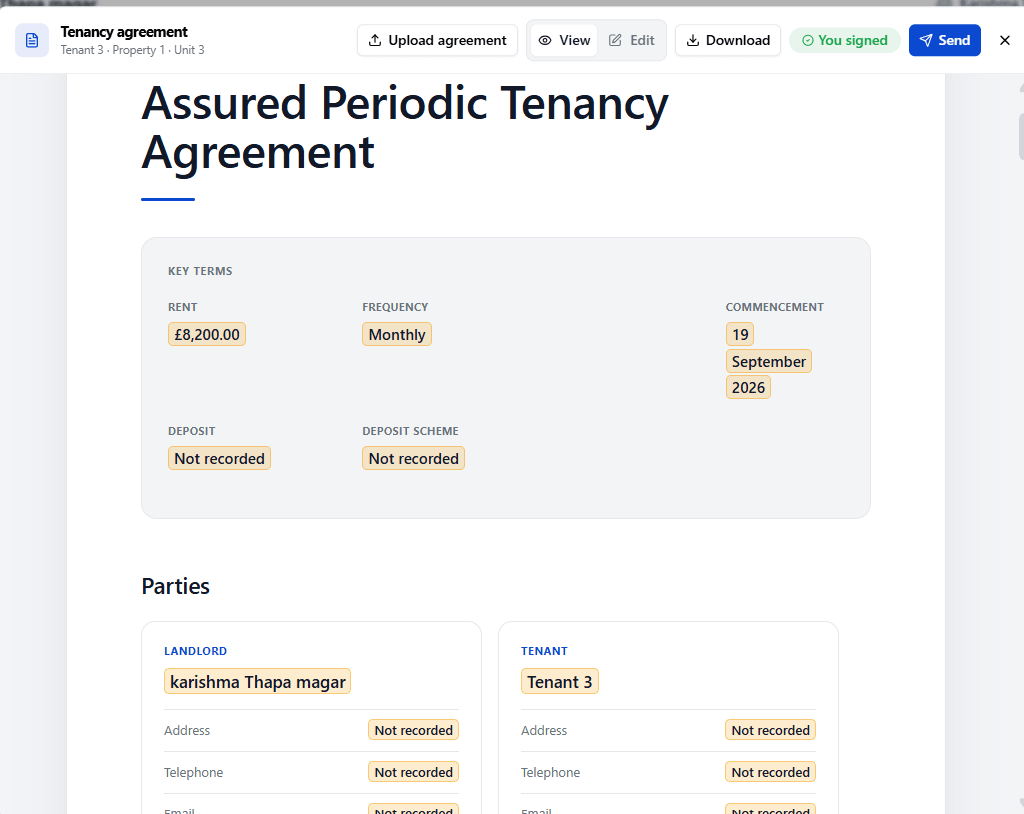
On an Assured Periodic Tenancy, the fields filled in from this tenancy (like rent and dates) are highlighted in Edit mode so you can tell them apart from the standard wording.
Select Download to save a copy, or use the send/share option to send it to your tenant.
If you'd rather use your own template, select Upload agreement to replace the generated document.
Signing
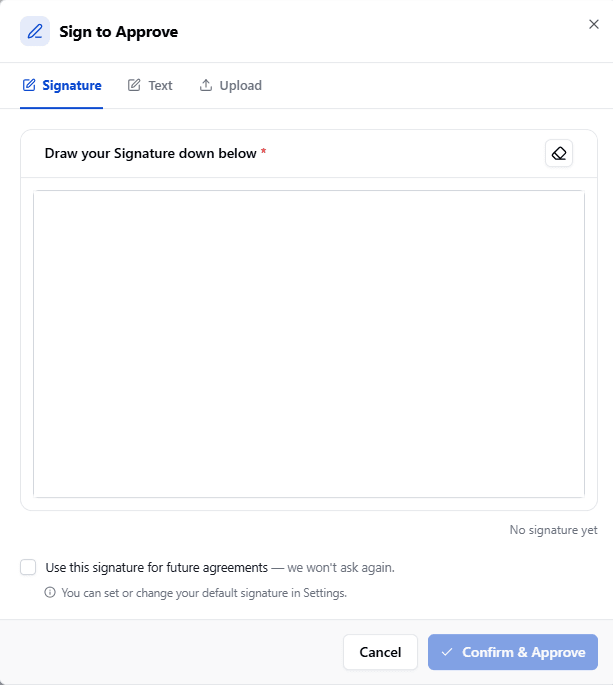
You sign first by drawing a signature, typing your name in a signature style, or uploading an image. You can save your signature to reuse next time. Only once you've signed can the agreement be sent to your tenant, who signs through a secure link. If you and your tenant sign a paper copy instead, you can record it as signed in RentalBux.
The Written Statement of Terms
Assured Periodic Tenancies must also have a written statement of terms a separate document, required by law, covering the rent, deposit, ending the tenancy, and other statutory rights. RentalBux generates and serves this independently of whichever agreement document you use, so it's never missed.
Sending Documents
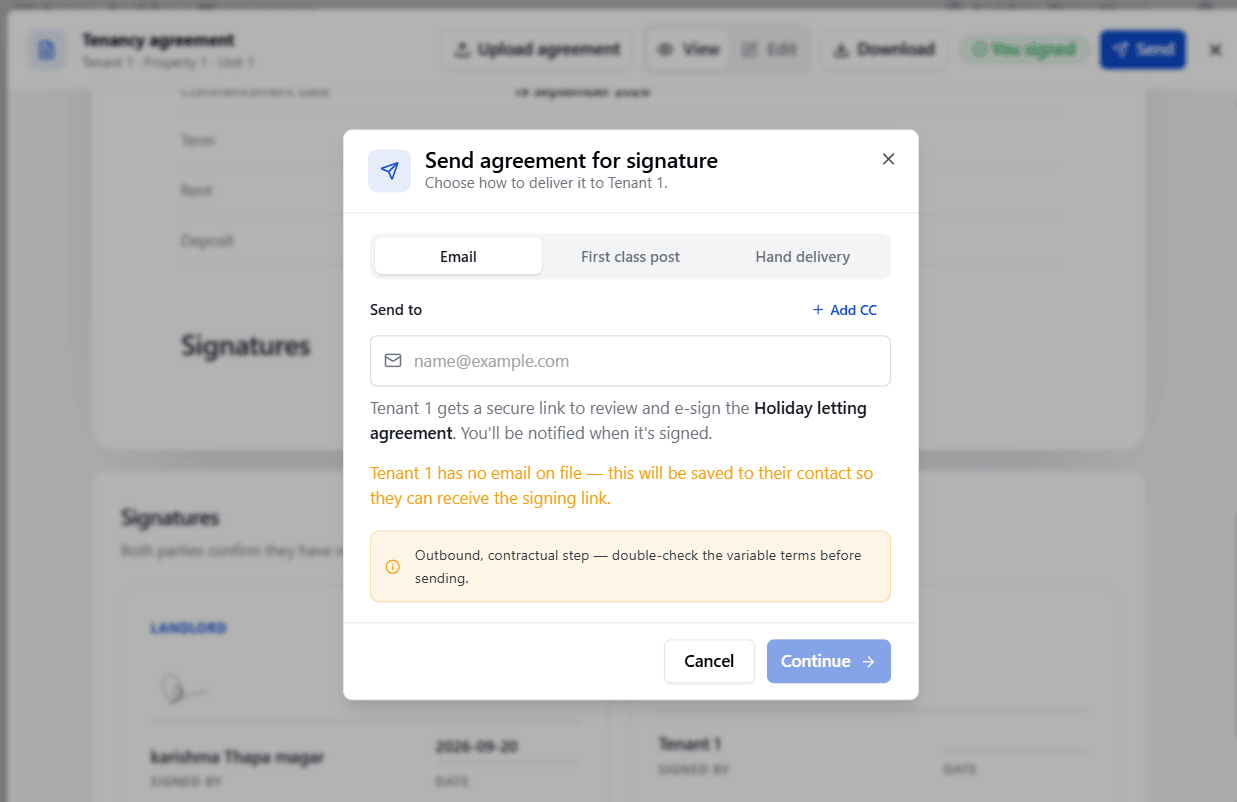
When you send an agreement, a notice, or compliance documents, RentalBux takes you through a review step before anything is sent: you can check the recipient, the message, and every attachment first. You can also choose how it's sent email, first-class post, or hand delivery each with its own legal "deemed served" date.
Once a document has been sent, its service record can't be edited. If you made a mistake, send it again the earlier record stays as evidence of what was actually sent and when.