The Flush Financial Data function is the most powerful — and most irreversible — action in RentalBux. It permanently deletes all financial records: every invoice, every bill, every journal entry, every payment, and all reconciliation history. Before you even consider using it, please read this guide in full.
Important
Flush Financial Data permanently deletes ALL financial records and cannot be undone. There is no recovery option. This action is only available to the account owner. Do not use this feature unless you have a specific and intentional reason to wipe your entire financial history.
What gets deleted when you flush | What does NOT get deleted |
|---|---|
|
|
Legitimate reasons to use Flush Financial Data
There are very few situations where this is the right action. The most common legitimate uses are:
You set up RentalBux with test data and want to start fresh before your real records
You made a fundamental setup error (wrong income source type, wrong profile) and it's faster to restart than to correct every record
You're starting a new tax year and want a completely clean slate (though in most cases, you can simply filter reports by date range — flushing is rarely necessary for a new year)
What to do before you flush
Export a complete backup of your data — go to Reports and export your General Ledger, Income Statement, and Balance Sheet in CSV format.
Download all important invoices and documents you want to keep.
Confirm with your accountant if any of the records you're about to delete may be needed for HMRC enquiries, Self Assessment, or MTD submissions.
Check whether any MTD submissions were made from this account — if so, HMRC will still expect the underlying records to exist for at least five years.
How to flush financial data
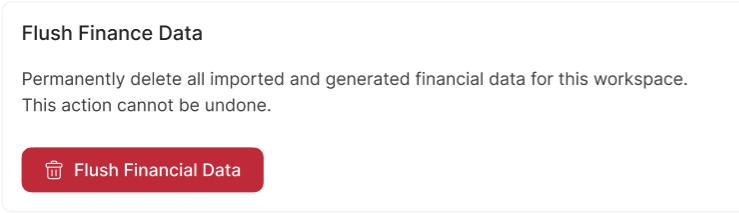
The deletion is immediate and irreversible. All financial records are gone.
In most situations where landlords feel they need to flush their data, there's actually a better option — editing an incorrect entry, correcting an opening balance, or reversing a journal. Contact support@rentalbux.com before using Flush Financial Data and we'll help you find the right solution.
Related Guides: |