.jpg&w=64&q=75)
.jpg)

One payment, more than one purpose. An insurance premium covering five flats. A builder’s invoice with a repair and a new bathroom on it. Rent from an agent that arrives net of commission. A split records the parts truthfully instead of forcing the whole amount into one category.
Steps
Select the transaction you want to split and open the "Categorise" tab.
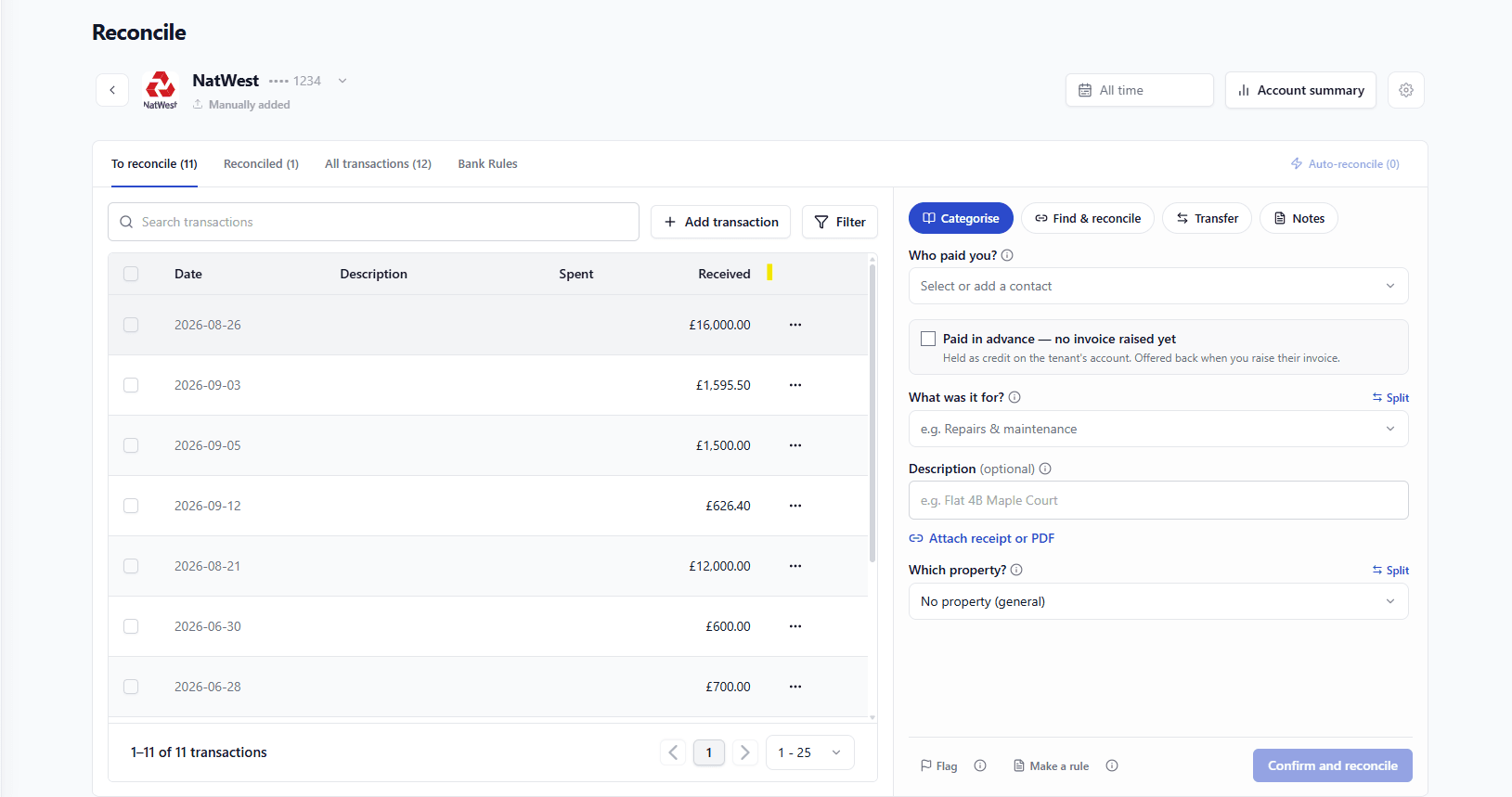
Click the "Split" button to begin dividing the transaction.
For the first split:
Enter a clear, descriptive name for this part of the transaction.
Specify the amount for this split.
Choose the appropriate category: If the split covers multiple income or expense types, click "+ Add category" to allocate specific amounts to different categories.
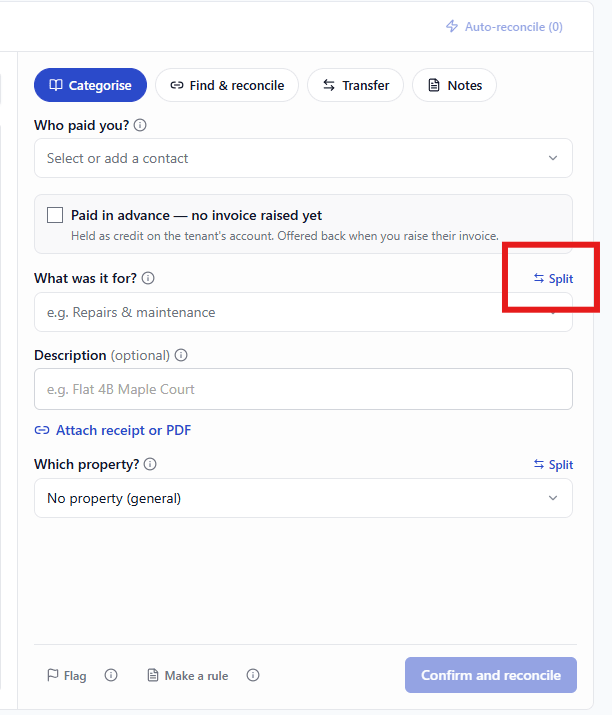
Select the relevant property: If the split needs to be divided among multiple properties, click the "Split equally" button to distribute the amount evenly, or click "+ Add property" to manually allocate specific amounts to each property.
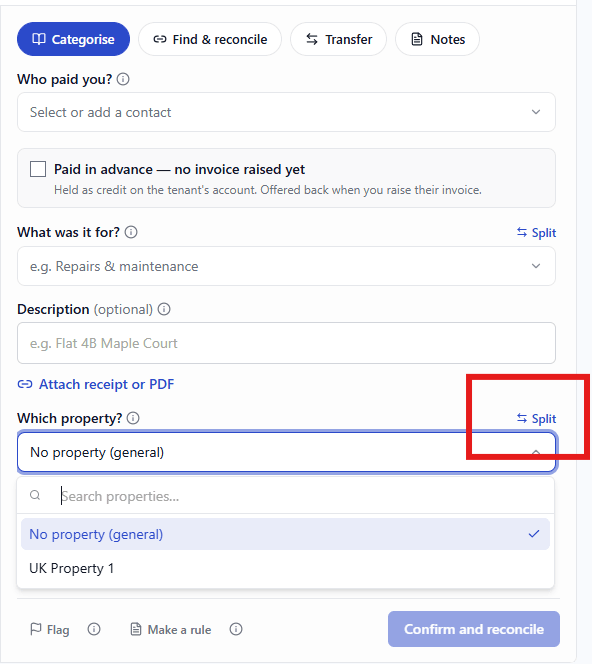
Once you've entered all the splits, click "Confirm and reconcile" to save the split transaction.
What Each Part Becomes
Every part behaves as its own line in your books: its own category, its own property, its own place in your reports. The bank transaction stays as one line on the statement, which is how it should be the bank saw one payment.
Worked Example
Part | Amount | Category | Property |
|---|---|---|---|
Rent received | £1,250.00 | Rental income | 3 Maple Court |
Agent commission | −£125.00 | Letting fees | 3 Maple Court |
Net deposit | £1,125.00 | — | The bank line itself |
This is the shape a letting agent payment takes. Recording it as £1,125.00 of rent understates both the income and the expense, and it will not agree with the agent’s statement.
Note: Agent deposits arrive every month in the same shape. A split bank rule handles them for you; see The UK landlord rule pack.
Splitting Across Properties
Set a different property on each part. A £600.00 insurance premium across three flats can be split evenly, or by rent, or by floor area, RentalBux records the amounts you enter; the basis is your decision, so keep it consistent year to year.
Rules Of Thumb
The parts must add up to the transaction. RentalBux will not let you confirm a split that does not.
Two parts is usually enough. If you are writing six, ask whether the underlying bill should have been recorded properly first.
Use Unsplit to collapse it back to one line if you split the wrong transaction.
Describe each part in words you will recognise in a year “roof repair”, not “part 1”.
A repair and an improvement on the same invoice must be split. They are treated differently for tax, and putting the whole amount in one category is the mistake most likely to need unpicking later.d.
Why Splits Exist
Money does not always arrive in the shape your books need. One transfer can carry rent and a deduction; one invoice can carry a repair and an improvement. A split records what actually happened without inventing transactions the bank never saw.
A letting agent pays £1,125.00 for Maple Court. The agent’s statement shows £1,250.00 rent collected less £125.00 commission. Split into rent received £1,250.00 and letting fees £125.00, the income line is right, the cost is claimed, and your figures agree with the agent’s statement. Recorded as £1,125.00 of rent, both are wrong and nothing agrees.
Splitting A Shared Cost
A £600.00 insurance premium over three flats can be split evenly at £200.00 each, or in proportion to rent, or by rebuild value. RentalBux records the amounts you enter. What matters is that the basis is defensible and the same next year.
When Not To Split
If you find yourself writing five parts, the underlying document is probably the problem. Record the bill properly, then reconcile the payment against it the detail belongs on the bill, not on the bank line.