


This is the moment everything in RentalBux builds towards — your quarterly update to HMRC. If your records have been kept up to date throughout the quarter (invoices, bills, and bank reconciliation), this step genuinely takes about five minutes. Here's exactly how it works.
When are quarterly updates due?
There are four quarterly periods in each MTD tax year. The submission deadlines depend on your specific quarterly period dates, but as a general guide:
Quarter | Period covers | Submission deadline |
|---|---|---|
Quarter 1 | 6 April – 5 July | 5 August |
Quarter 2 | 6 July – 5 October | 5 November |
Quarter 3 | 6 October – 5 January | 5 February |
Quarter 4 | 6 January – 5 April | 5 May |
RentalBux shows your next deadline on the main dashboard and sends you a reminder as it approaches. You can check your specific dates under MTD > Tax Submission.
Before you submit — the pre-submission checklist
All rent invoices for the quarter are created and marked as paid
All expenses for the quarter are recorded as bills with the correct categories
Bank reconciliation is complete and up to date for the quarter
Your Trial Balance shows debits equalling credits
Submitting your quarterly update — step by step
1. Go to MTD > Tax Submission.
2. Find the quarter you're ready to file.
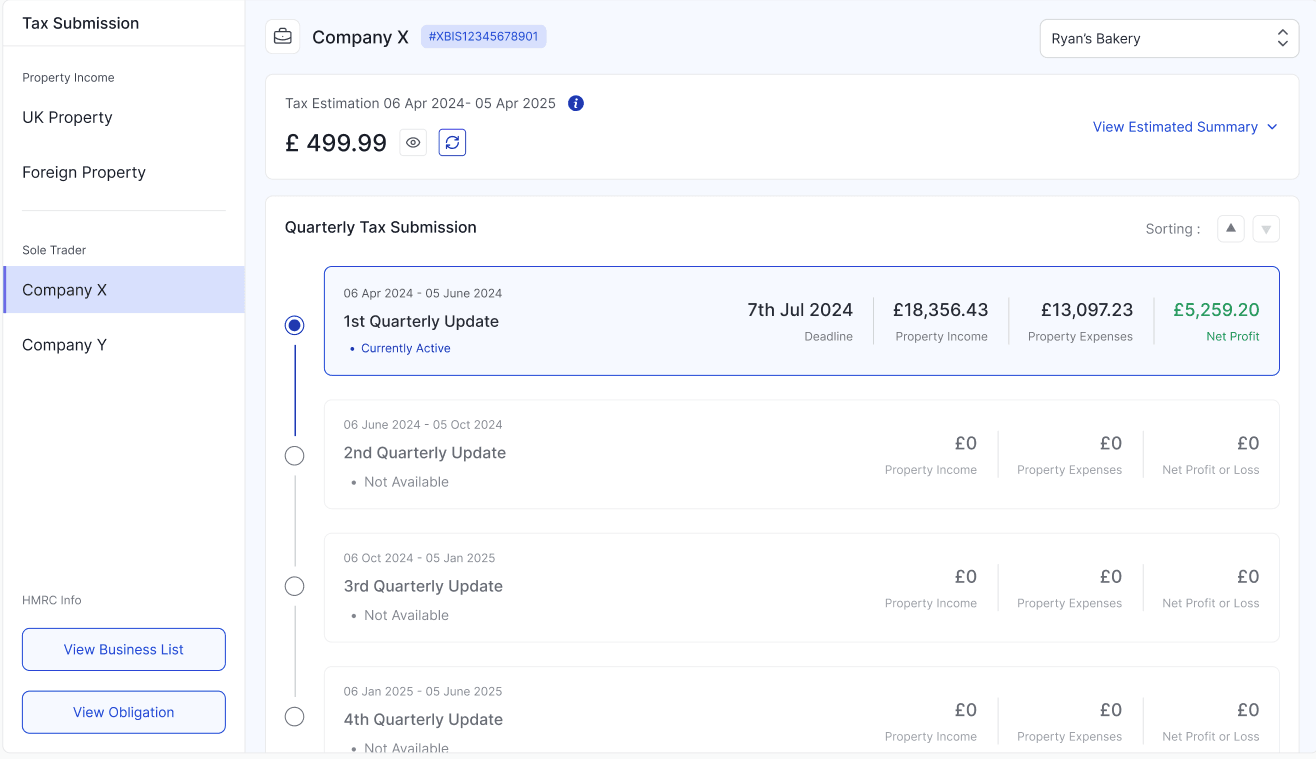
3. Review Submission details.
4. You'll see a summary of the figures that will be sent to HMRC:
What you'll see | What it means |
|---|---|
Income total | All rent and other property income for the quarter |
Expense breakdown by category | Each allowable expense category with its total for the quarter |
Net profit / (loss) | Income minus expenses for the period |
Previous quarter comparison | How this quarter compares to the same period last year (if available) |
5. If all figures look correct, click Submit to HMRC.
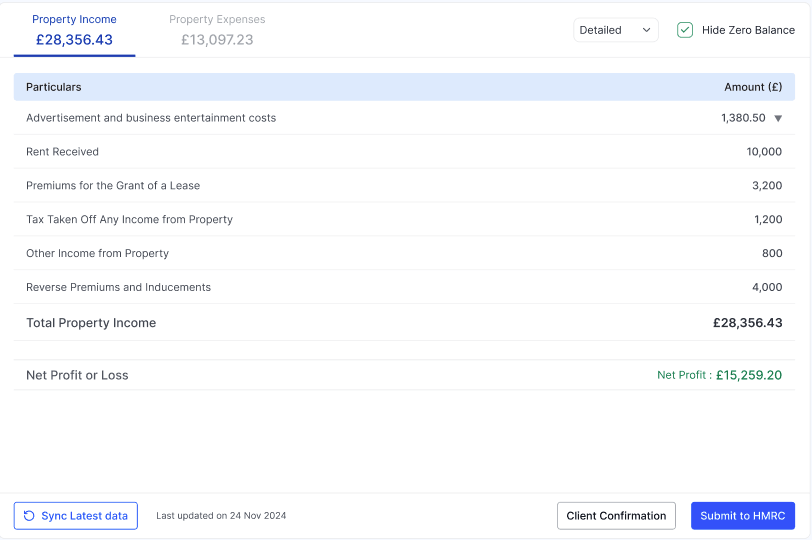
6. RentalBux sends the data directly to HMRC's API and displays a submission confirmation.
Submitting for multiple income sources
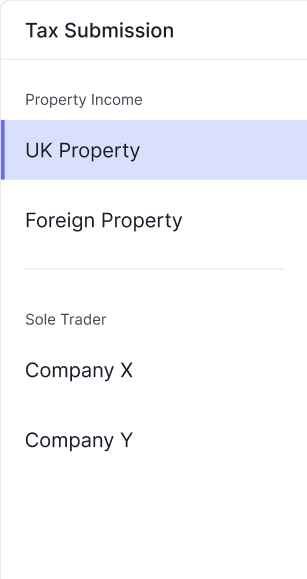
If you have both UK Property and Sole Trader income sources, RentalBux generates a separate quarterly update for each. You'll see both in the Tax Submission screen. Review and submit each one — you can do them in either order, and both must be submitted before their respective deadlines.
What if I submit and then find an error?
MTD quarterly updates can be amended after submission. Go to MTD, find the quarter, and click Amend. Correct the underlying invoice or bill, return to the MTD screen, and submit the amended figures. HMRC will receive the corrected data. There's no penalty for amending a quarterly update — that's what the system is designed to allow.
What about the Final Declaration?
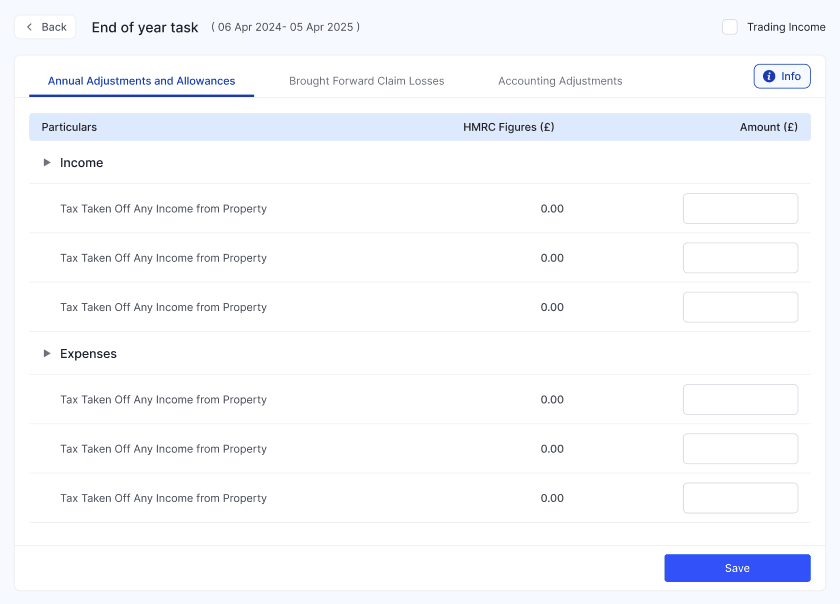
At the end of the tax year, after your fourth quarterly update, you'll also need to submit a Final Declaration, which confirms your total income position for the year. It appears in the MTD > Tax Submission screen when they become due. RentalBux prepares them automatically from your accumulated quarterly data.
Related Guides: |